Updated February 10, 2026 10:29AM
If you buy through our links, we may earn an affiliate commission. This supports our mission to get more people active and outside.Learn about Outside Online's affiliate link policy
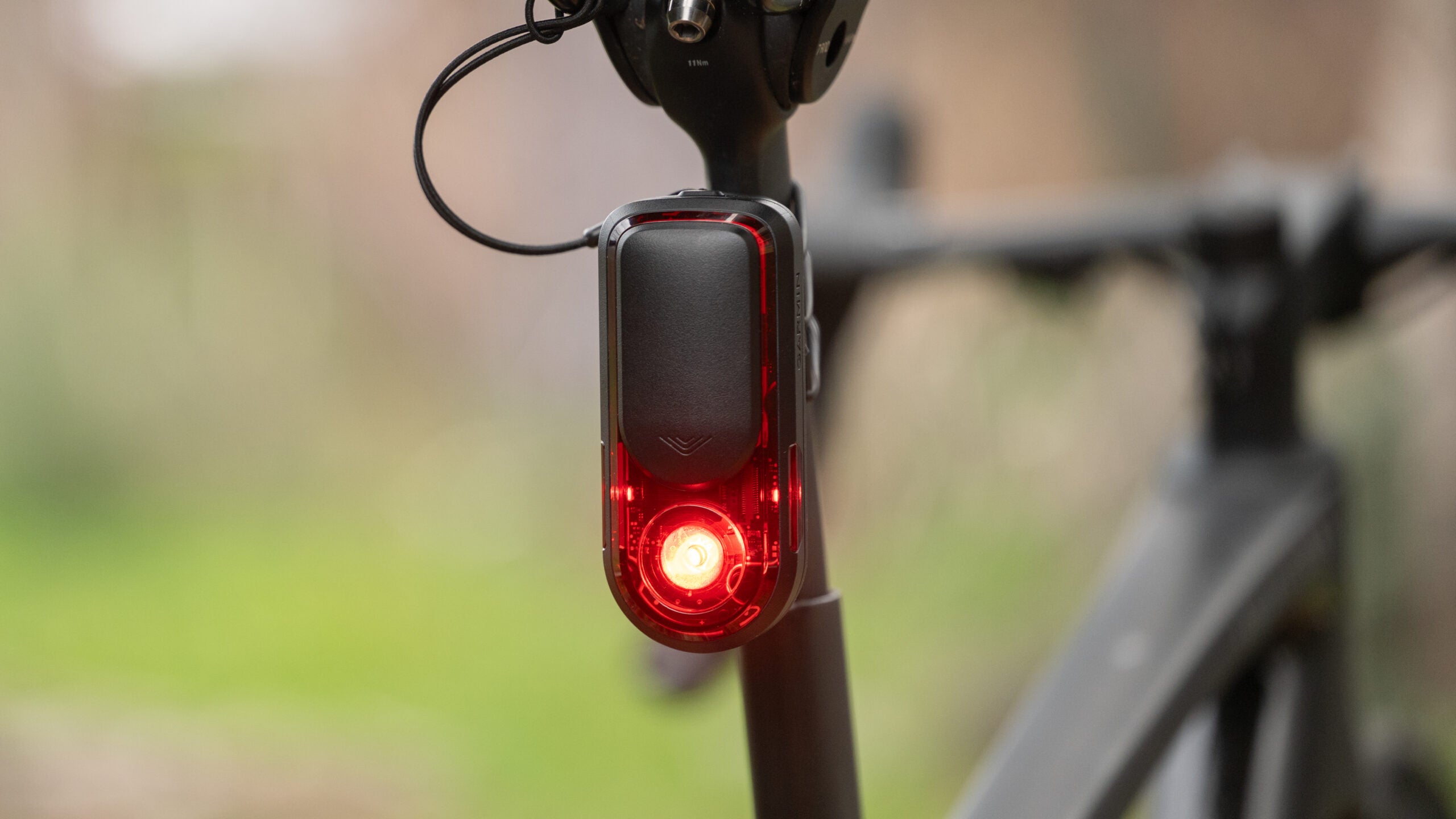
Garmin RearVue 820 First Look: The World’s First Drafting Sensor
The long-awaited update to the Varia is finally here, and it brings a feature nothing else on the market can match. But there's a catch that might not make it right for you.
(Photo: Josh Ross/Velo)
Pros
- Same speed vehicle detection
- 24 hours battery life in day flash mode
- Includes a leash
- Replaceable battery
- Brake light functionality
- Unchanged Garmin mount
- Only recent Garmin computers support latest features
Cons
- Visual design is lacking
- Included mount
- New features are Garmin only
Garmin RearVue 820 Specs
| Price | $299.99 |
| Dimensions | 3.9″ x 1.0″ x 1.7″ (98.9 x 25.9 x 43.2 mm) |
| Weight | 90g |
| Battery Life | 24 Hours (Day Flash) / 30 Hours (Radar Only) |
| Max Brightness (Day Flash) | 100 Lumens |
| Detection Range | 175 Meters |
| Radar Field of View | 60 Degrees |
| Charging Port | USB-C |
| More info | Garmin website |
Last week, Garmin introduced the RearVue 820 as a long-awaited update to the brand’s Garmin Varia RTL515. Now that I’ve had a chance to test it, I’m here to say it’s brilliant, and it’s got a feature nothing else on the market can match. I know I’m not supposed to give that away in the first few sentences, but there’s not much point in delaying the obvious. There is, however, one big drawback that I’ll get to in a bit.
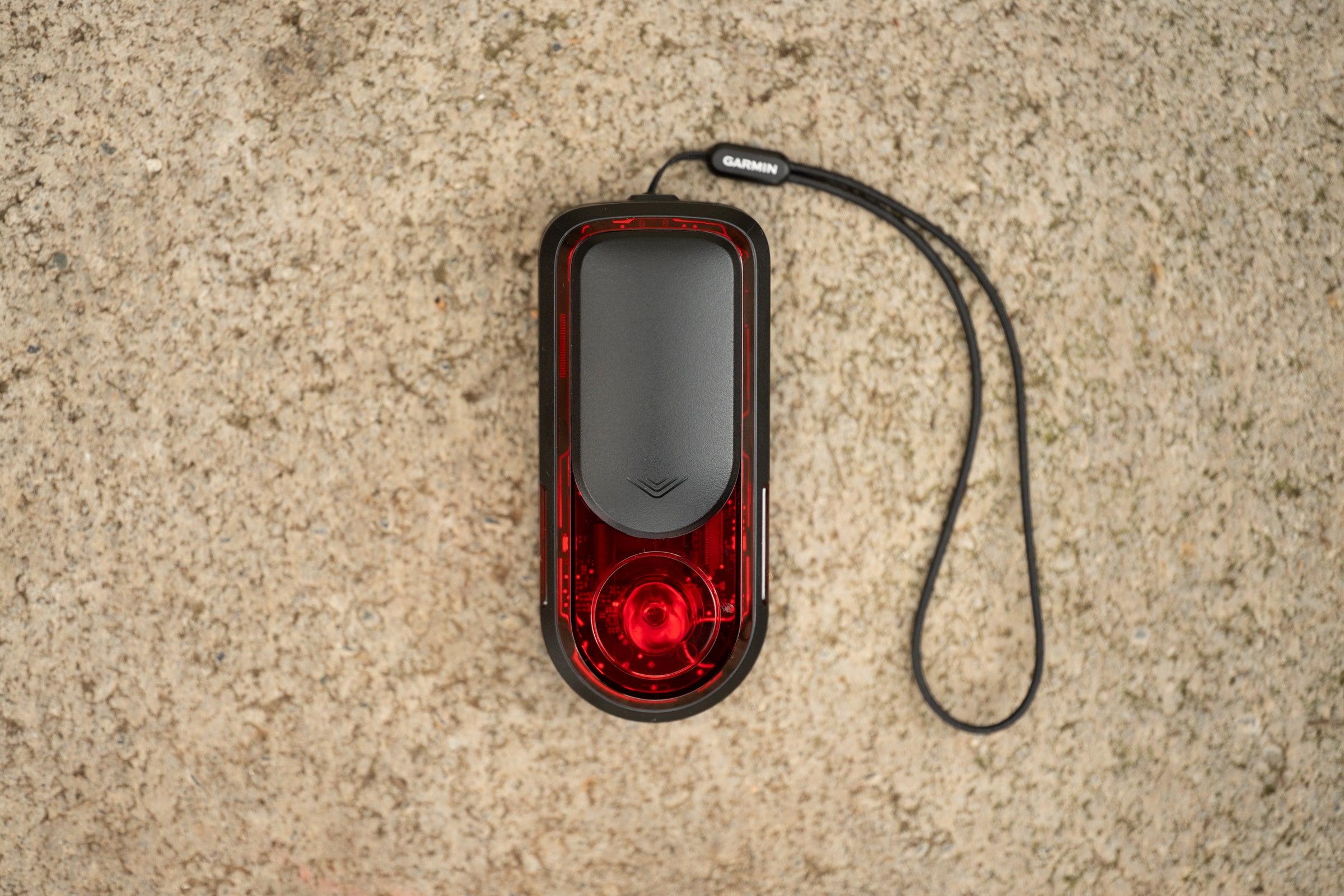
The reason it’s so easy to make the assessment that the RearVue 820 is good is because it’s mostly a known quantity. Garmin bought radar technology by acquiring a company called iKubu in early 2015 and in August of that year the first radar units hit the market.
At that point the idea of radar on the back of your bike was novel. Reviewers had to look at not only if it worked but also explain the basic concept. In 2018, when the RTL510 hit the market, the technology was already quite mature and the now familiar silhouette of a Garmin Varia tail light was introduced.
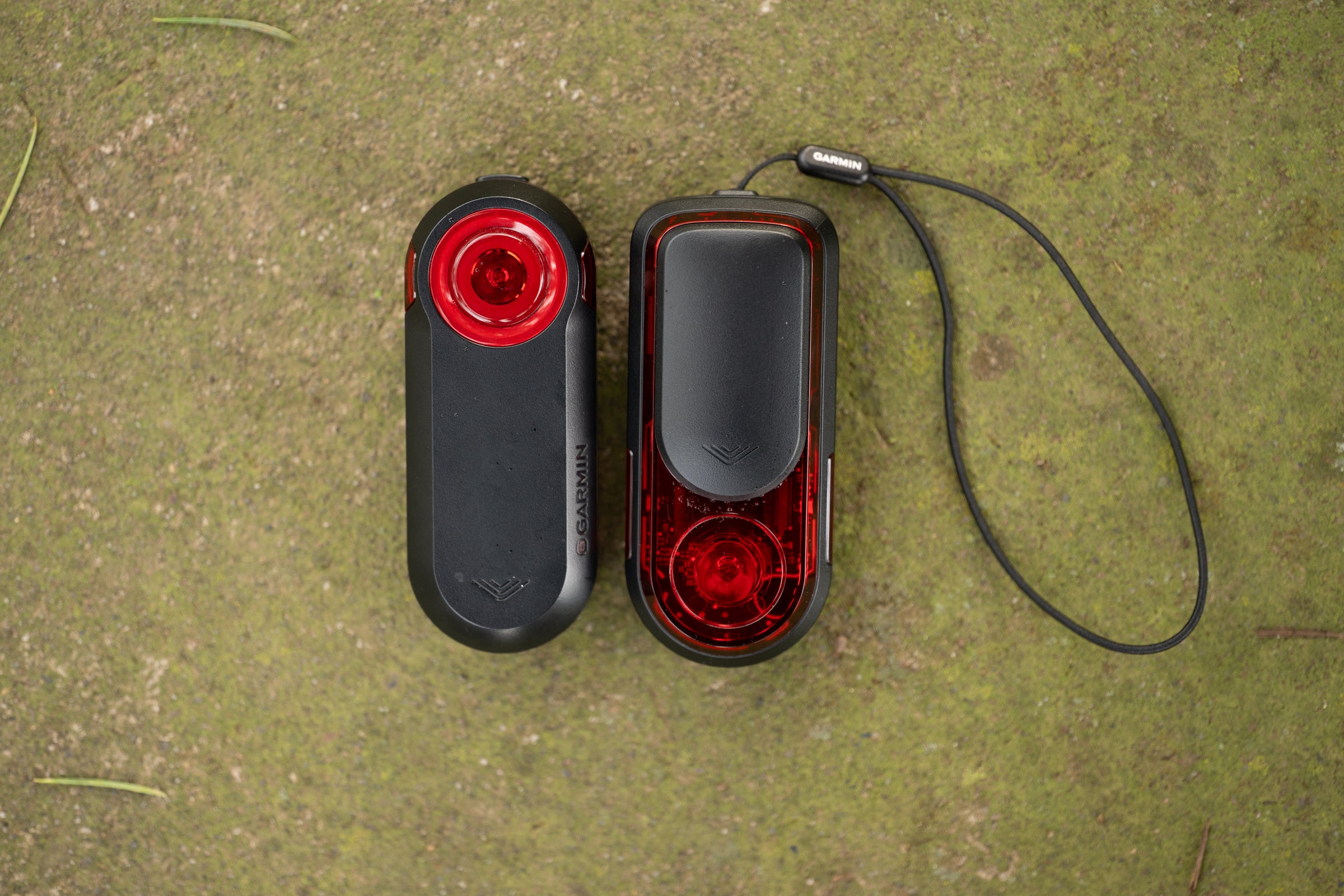
By the time the RTL515 came to market in 2020 the idea was established. That release was a collection of quality of life updates such as an available connection via Bluetooth, extended 16-hour battery life, Peloton mode, and more mounting options, but the core functionality didn’t see any updates. Even back then you didn’t have to explain what the concept was and talking about if it fundamentally worked or not was more about checking it off the list rather than actually finding problems.
ADVERTISEMENT
Then the design froze in time. Nothing changed about the RTL515 between 2020 and 2026. If there was any doubt left, the unit was firmly ensconced as the market leader in terms of vehicle detection. A variety of competitors came to market competing on price or other features, but the Garmin radar detection was the gold standard. Every other review had to establish that vehicle detection was as good then you could look beyond that. As the years kept rolling it was increasingly hard to recommend the RTL515 but only because it was a dinosaur with an outdated charging port and old battery technology.
Now we are finally looking at a real update to that RTL515 and if you use that unit as a gold standard everything is the same or better. Nothing has been taken away but features have been added. The battery life on the older unit was among the best, even in 2025, and the new unit is now the best again. The new unit is brighter and the new mounting is marginally better but still compatible with third party mounts. And that detection that was already the best—only matched by Trek, Wahoo, and Lezyne—is now the same or better.
What I like: same speed tracking is the real hero
Most eyes are going to be on features like lane detection and vehicle size. There’s also going to be plenty of ink spilled for the hardware upgrades that had to happen in 2026. I’ll cover both of those but neither of those is the real star here. The game changing feature that no other radar unit can match is same speed vehicle tracking.
ADVERTISEMENT
Honestly speaking, this wasn’t a feature I even saw coming. I would never have guessed this was even a possibility because all radar units suffer from the same problem. Cars vanish from detection when they match your speed, and it’s not so much a “bug” as a “feature” of the way radar works.
These units work by measuring the frequency shift of a bouncing signal. When a car matches your pace, that shift drops to zero. To the sensor, the vehicle suddenly has the same relative profile as a tree, causing the software to filter it out as stationary background noise.
Garmin fixed this and it didn’t take magic to do it, just clever processing. My guess is that the RearVue 820 uses signal persistence. Once the radar identifies a high-intensity target, the software maintains a memory of that object even when the relative speed difference is zero. The result is that a car that’s behind you stays as an active alert until passing or falling out of the detection range.
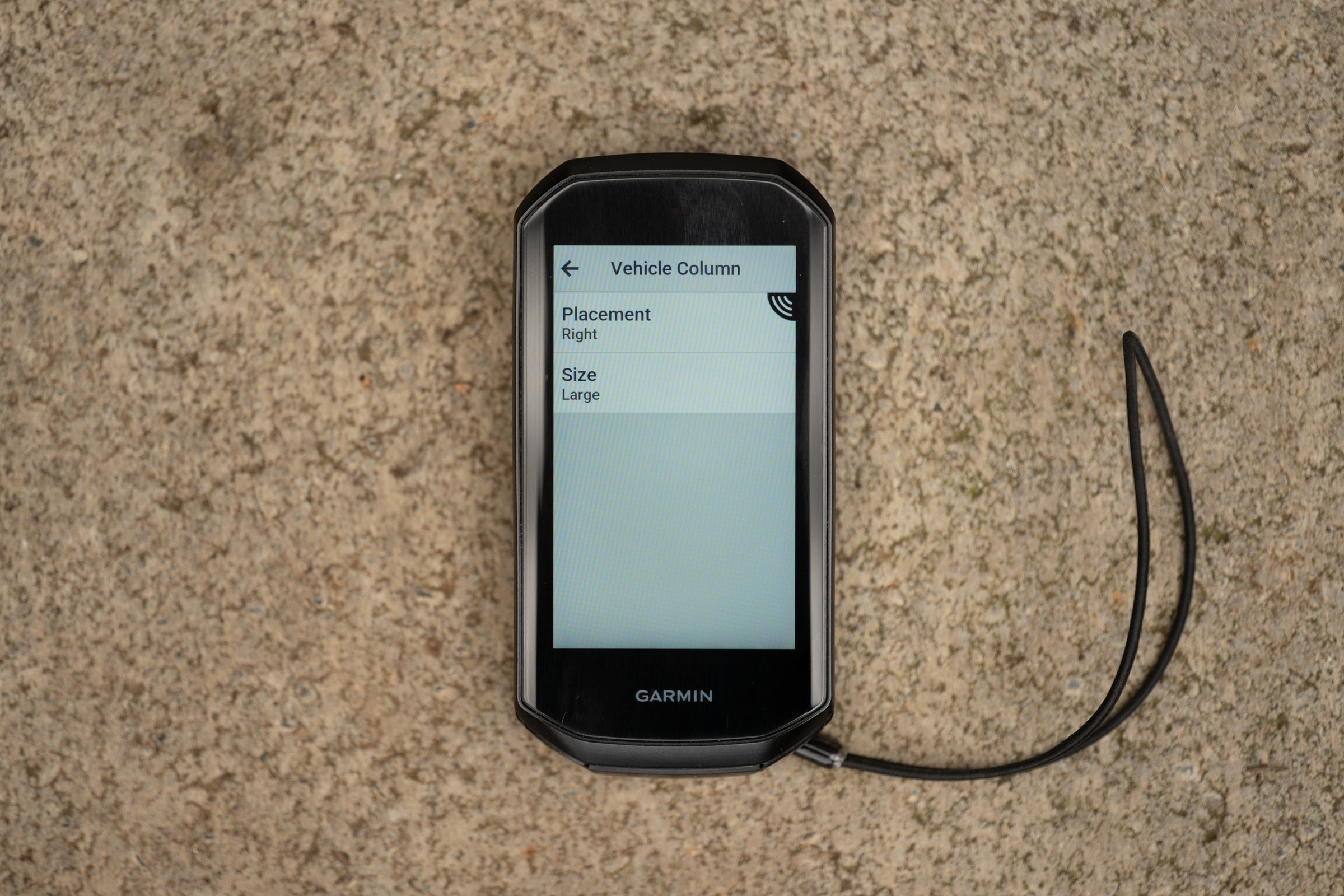
This has another effect though. Something no one else is talking about, but is absolutely brilliant. Radar technology was always able to detect other bikes but if they matched your speed they’d disappear just like a car. Same speed tracking turns the RearVue 820 into the world’s first drafting sensor. The unit doesn’t just see cars. The RearVue 820 sees your riding partner and it tells you not only whether you are dropping them or not but also how close they are and how directly they are behind you.
ADVERTISEMENT
That ability to let you know how far your riding partner is behind but also if they are off to one side or the other is the same technology that powers the lane detection and vehicle size features that I suspect most reviews are focusing on. The problem here is that when we move out of the drafting discussion, these features are less useful.
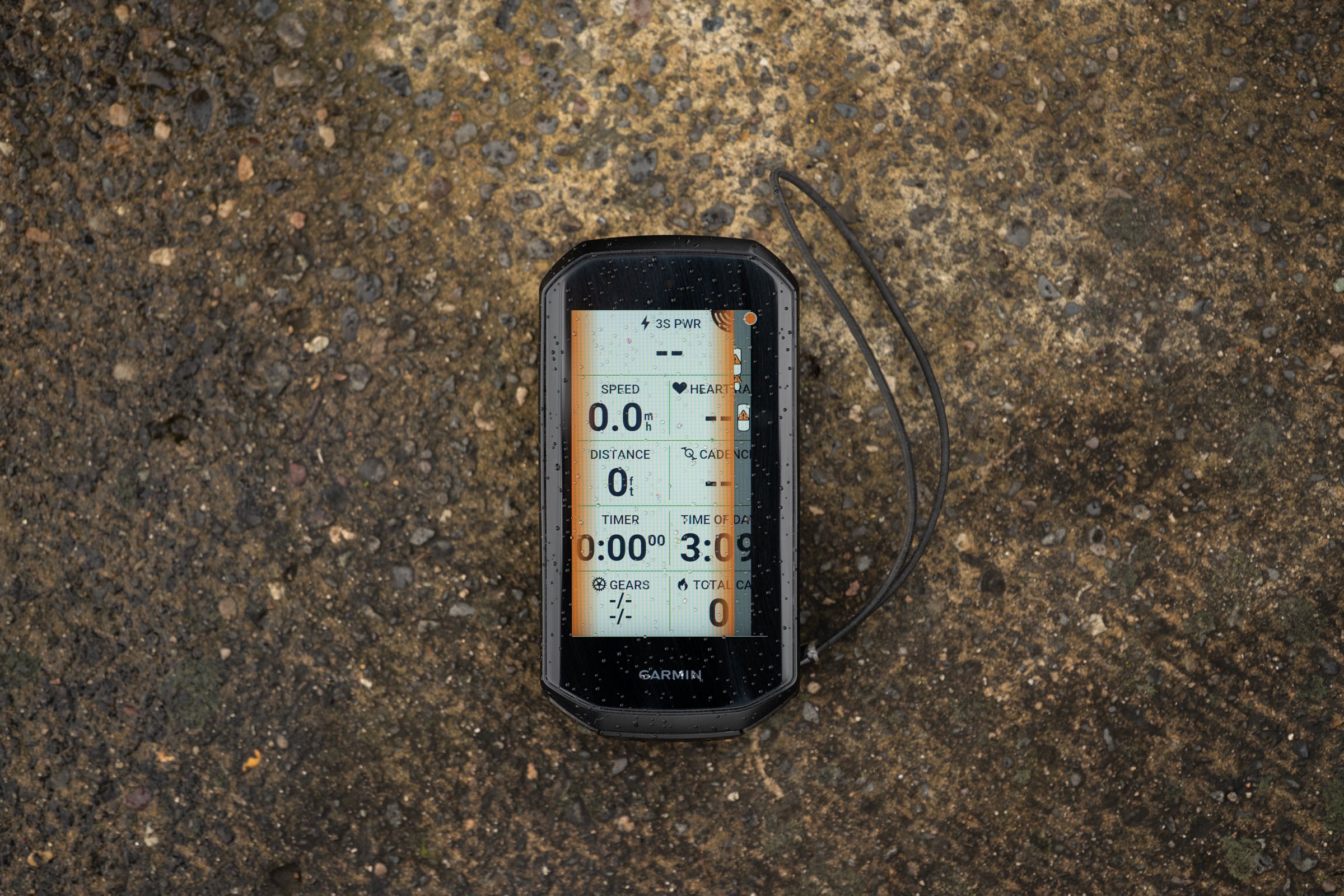
In both cases you start with slightly expanding the bar that Garmin uses to visualize approaching vehicles. This still turns red, yellow, or green depending on threat assessment (based on approaching speed and now also considering size) and it still has a dot at the top that represents you. What’s new is that the vehicles in this bar now have three icons depending on size and, as long as you have the larger width selected on the headunit, will also show up in different positions horizontally across the bar. This includes partially off the bar, so only half the vehicle icon is shown.
ADVERTISEMENT
This is great for your riding buddy. The small icon is easy to process as being in different spots compared to you and if you are checking to make sure what’s happening with your buddy who’s matching your speed there’s time to figure out what you are seeing. With vehicles it’s less useful. The size is frequently wrong, or it changes size as it gets closer to you, and you don’t always have much time to figure out what’s happening on the screen. What’s important here is the beep (if you have that turned on) or the visual representation of a vehicle. The rest just doesn’t matter much.
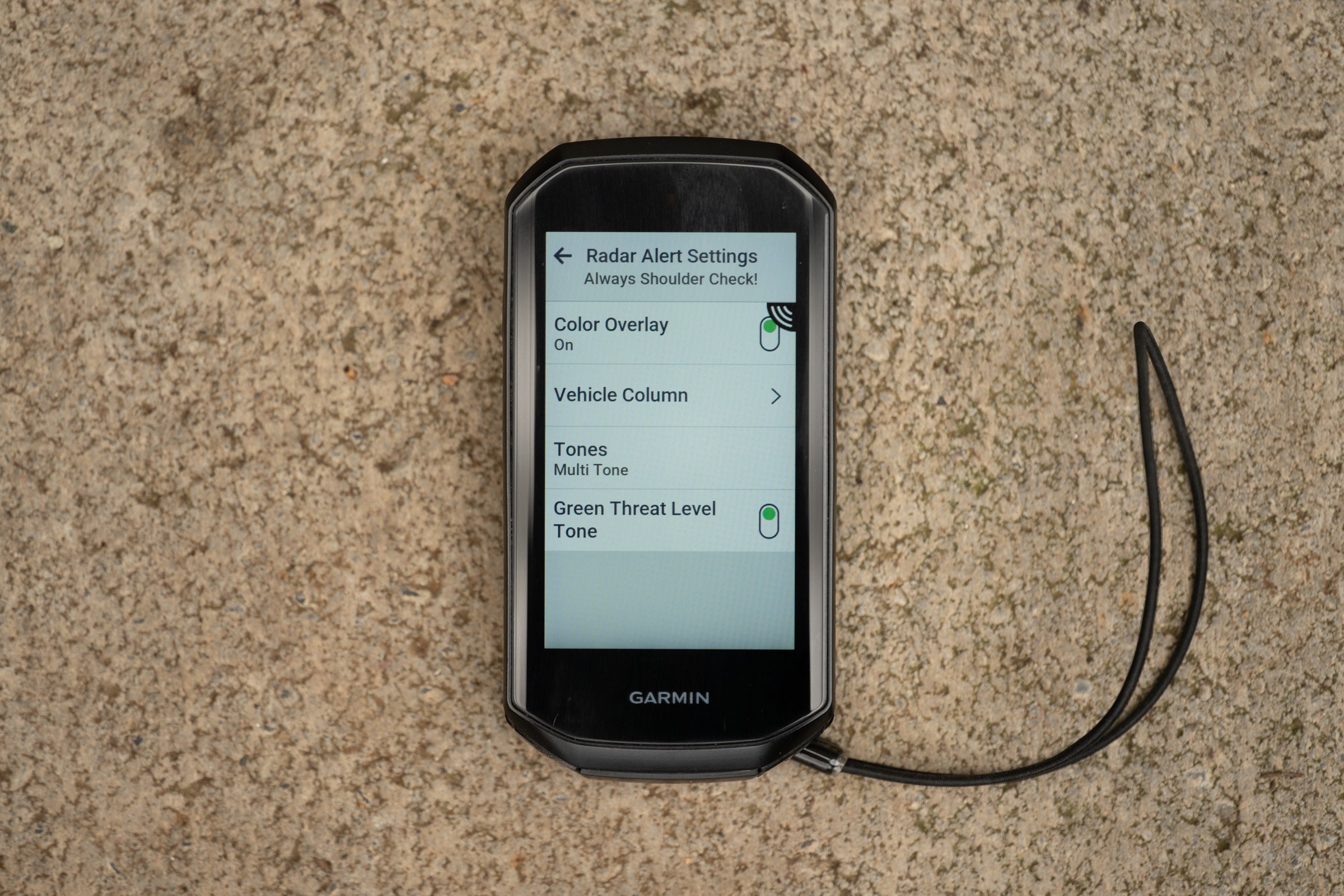
All that said, I would bet this is nice on a highway with infrequent semitruck passes. I’ve occasionally ridden in situations like that where I’m sure I’d appreciate this. For most situations though, I don’t find it all that helpful.
Before I move on I do also want to answer a question about a footnote in the press release. What it said was “same speed tracking is limited or unavailable at slower speeds.” This just refers to the radar needing to be “awake” which happens at 10 km/h (6 mph). It doesn’t lead to inconsistencies, it just doesn’t work when you are, “practically speaking,” not moving.
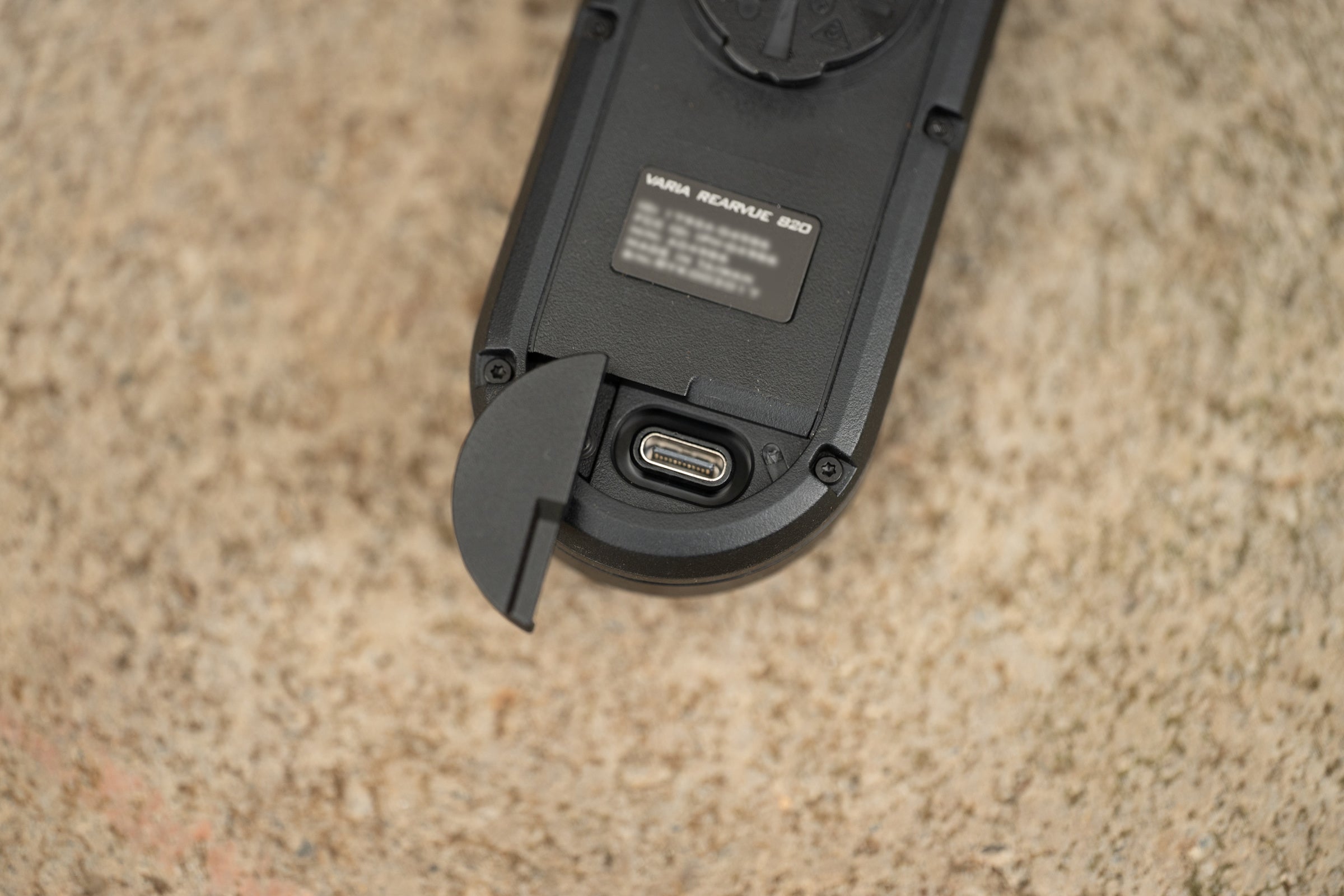
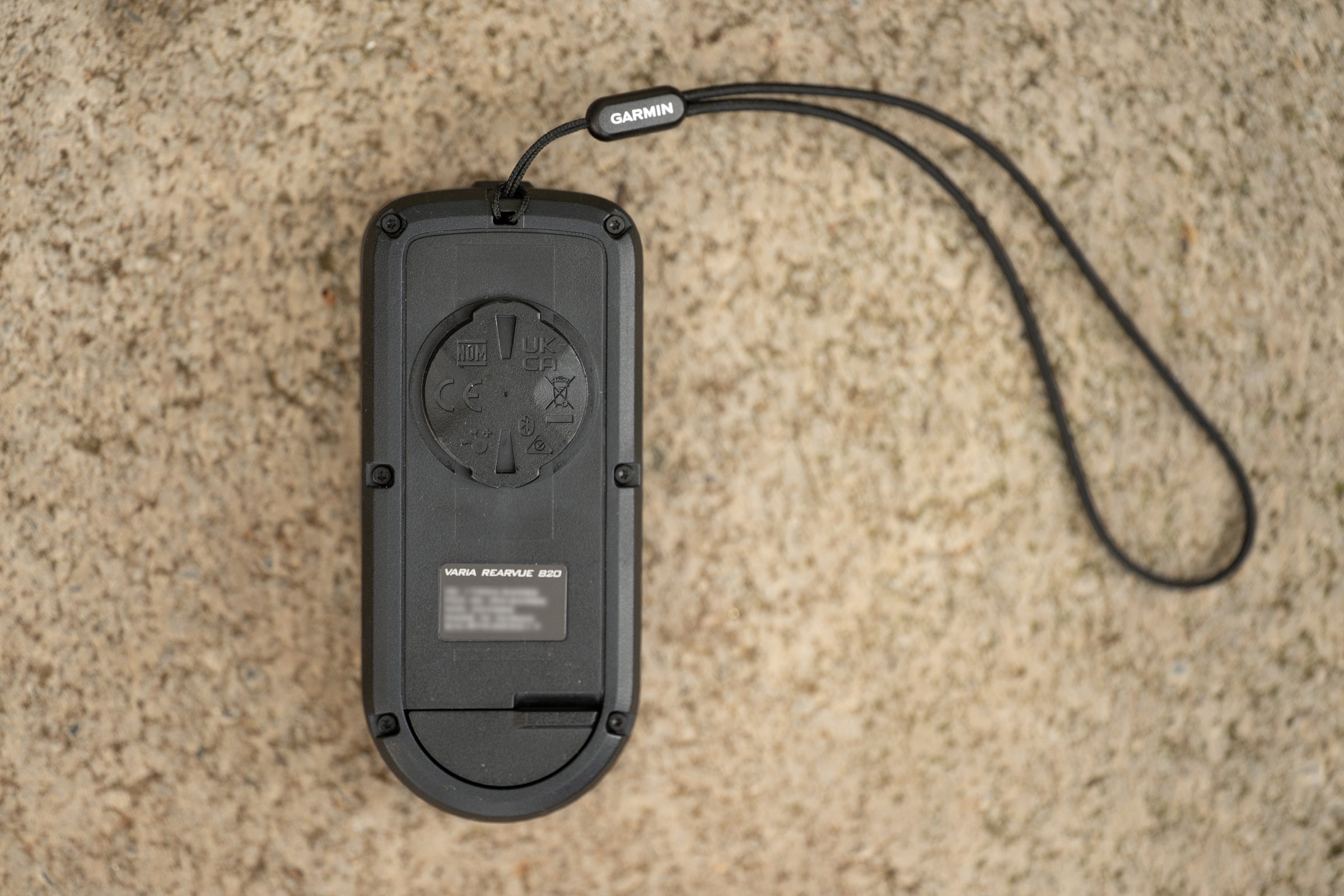
Now, the rest of the features here are mostly expected after a six-year gap in updates. The move to USB-C is the most immediate “thank god” detail, finally aligning this Garmin unit with the rest of the world. Behind that port is a higher-density battery that extends life from the 16 hours of the RTL515 up to 24 hours of day flash. It’s 30-hours if you run it in radar-only mode and, for those who have been clamoring for a leash, it’s finally here. You can now tether the unit to your seat rails for peace of mind on rougher terrain.
The hardware updates aren’t just about endurance. Garmin jumped from 65 lumens to a max of 100 lumens, putting the new unit ahead of the Trek CarBack (90 lm) and Wahoo Trackr Radar (53 lm), though it still doesn’t touch the retina-searing 300 lumens of the Lezyne Radar Drive. Detection is also improved, with range increasing to 175 meters. It still doesn’t match Trek’s ambitious 240-meter claim, but that number hasn’t proven to be real in actual use, partly because Garmin’s communication protocols don’t support it.
ADVERTISEMENT
This is a late addition note as new details have come up on this detection distance: Like Trek, Garmin might also be having issues with that distance. It’s still related to ANT+ technology though, and you should think real hard about buying this unit if that’s your use case. More info below.
There are also screws on the back. I’m tempted to tell you that means the battery is user-replaceable, but that’s not quite what Garmin says. The company still officially considers the battery non-serviceable to maintain the IPX7 waterproof rating, so this remains a DIY situation. Despite that, the old one was glued and nearly impossible to reseal. I’d put money on the aftermarket figuring out a replacement kit and seal by the time you need a replacement battery.
What I don’t like about the Garmin RearVue 820
While there’s a lot that changed here, one thing that did not change was the mount. Actually, that’s not completely true. The mounting system that Garmin supplies did change; it just still isn’t that great.
ADVERTISEMENT
The Garmin 515 radar had a “puck” with inserts for different seatpost shapes and a rubber O-ring to secure it. That O-ring has always been a nightmare to get on and Wahoo showed how much better that type of mount can be.
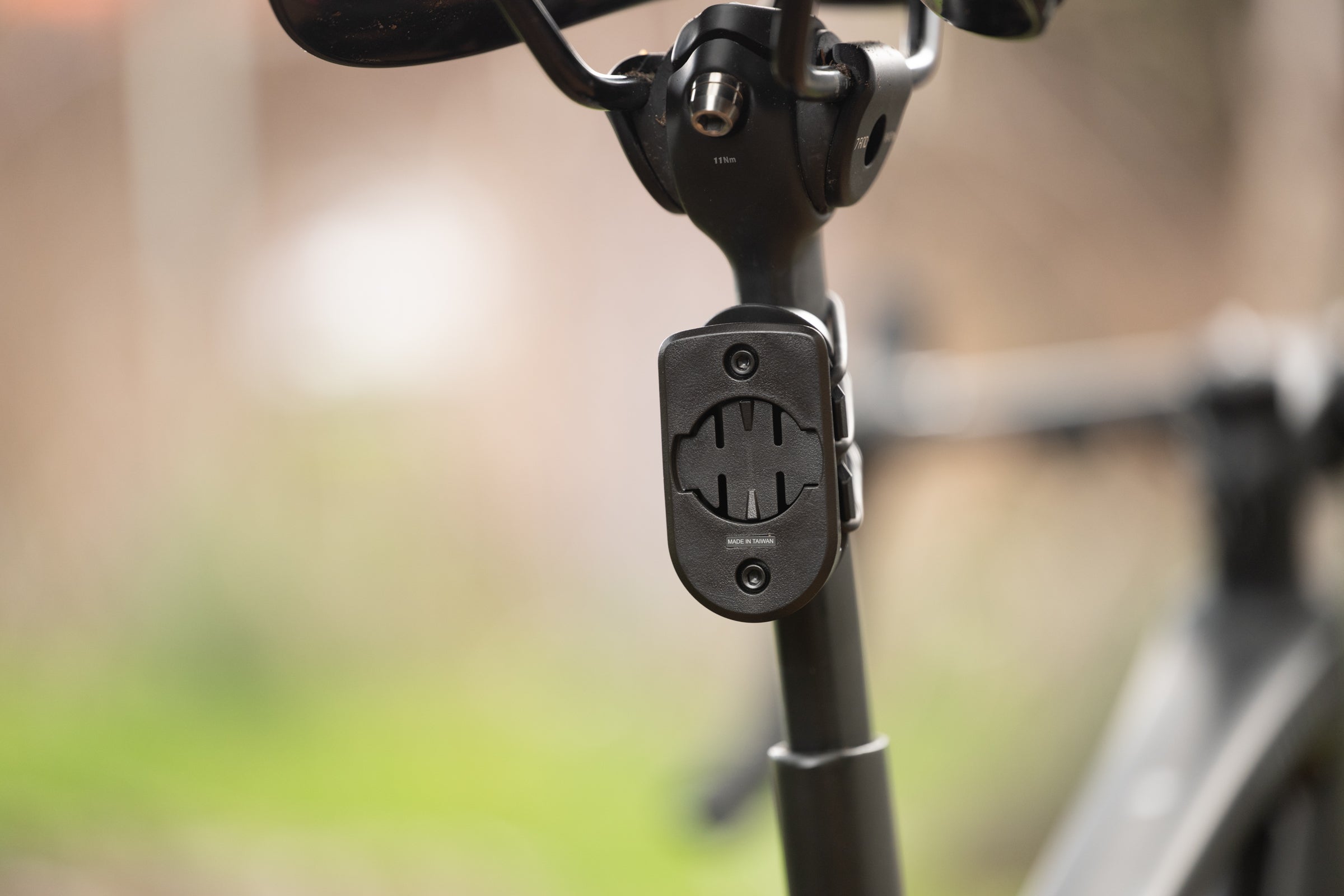
Unfortunately, Garmin hasn’t really fixed this. The new mount is larger with more surface area against the back of the light. I assume this is an improvement for stability, not that I ever noticed an issue with the old one, but it still uses a similar rubber band to attach it to the seatpost. This time the rubber band is a ladder style so it’s marginally better but you should still expect to spend some time swearing next time you try and get this on. Wahoo added a simple piece of plastic to create leverage and Garmin doesn’t have that. You have to stretch and pray you can manage to get it over the hook.
ADVERTISEMENT
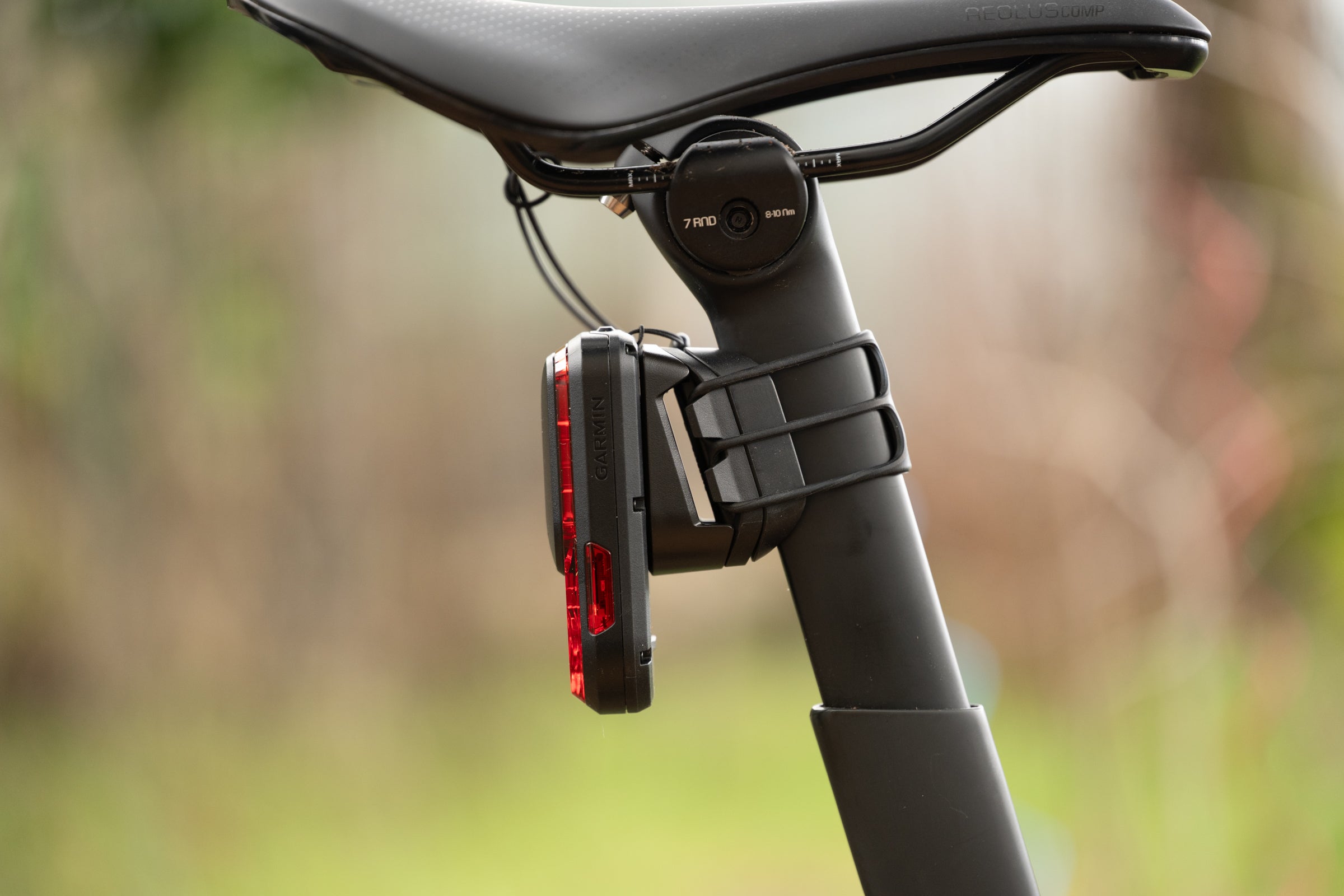
On the upside, once you get it in place, the same quarter turn Garmin mount as before gets it off for charging. Not only does it mean if you only have one bike you almost never have to struggle with that rubber band, but it also means if you already own a third party mount you can keep using it. Alternatively, if you are new to Garmin radar units, go shopping for a different mount. I don’t carry a saddle bag so I am a fan of the kind that attach to the saddle rails but there are a ton of options available.
Also on my nitpicky list: the RearVue 820 is ugly. I could try and use fancy language to say the design is lacking and the texture of the plastic feels a bit cheap but it doesn’t matter. It’s just ugly and there’s probably a lot of ways it could be fixed.
I might not have mentioned this, given that it’s highly subjective, but I’ve been hearing from a lot of people on the topic. It turns out I’m actually on the mild end of the spectrum here because I consider a rear radar utilitarian enough that I don’t care too much. Some people seem to care a lot and this isn’t winning any design awards. In retrospect, I think Trek is actually the leader here in terms of industrial design.
ADVERTISEMENT
However, for many, the aesthetic is secondary to the technical ecosystem. The real deal breaker I referenced in the intro is that “advanced vehicle tracking” is only available on the Edge x40 or Edge x50 series computers. Fortunately this isn’t as bad as it seems. Garmin defines “vehicle size detection, left and right vehicle movement” as the advanced vehicle tracking features. I already told you I don’t think those features are all that important. If you disagree, and you have a bike computer not included in that small group, then this is a deal breaker for you.
There is actually a little more nuance though. I consider the same speed tracking feature what really sets this unit apart. Specifically because I want to be able to keep track of a friend in my draft. You can still do that without advanced vehicle tracking but if you have it you can also see a friend, or rival, moving around from left to right. There is a distinct advantage to that level of granularity; if you don’t have a compatible computer, you have to decide if the features you still get are enough to justify the $300 price tag.
ADVERTISEMENT
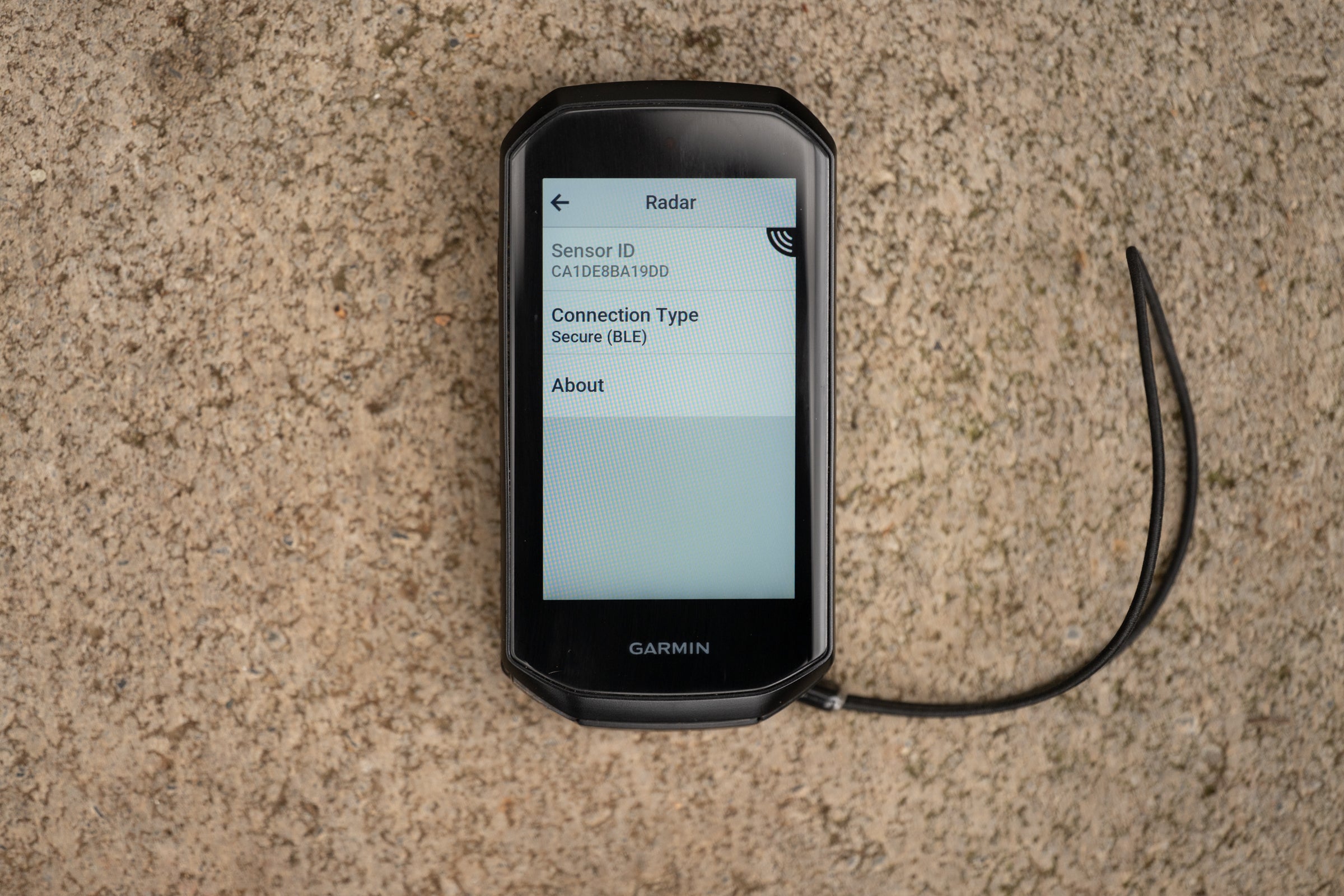
While you make that decision, keep in mind that the technical reason for the limitation is that the newer Garmin units are using a secure Bluetooth connection instead of ANT+. If you expect to use this with ANT+ it will work but not only are you not getting the full breadth of features but there might be issues getting the full detection distance. Think hard about paying for things that you don’t get if that’s your use case. There are other options.
Livability
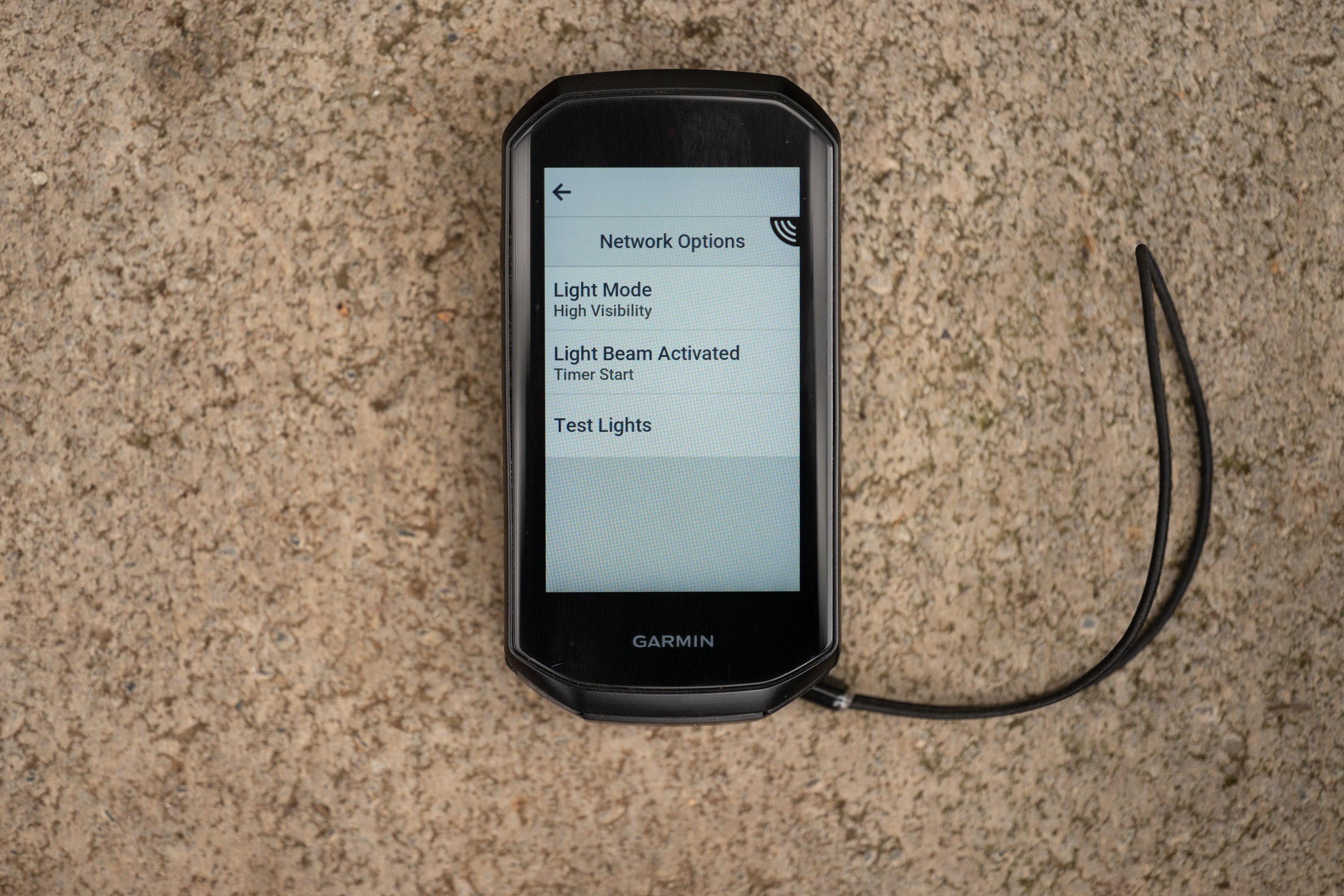
There’s really nothing to fault here. I already discussed the mounting issues and the feature gap on non-Garmin computers, but beyond that, I can’t think of a single missing detail that impacts daily use. I have my computers set to trigger the light in Day Flash mode the moment I hit start and power down when I finish a ride; that automation works fine with Wahoo, Hammerhead, and Garmin units. The transition to USB-C—complete with a more robust port cover—and the inclusion of a leash address long-standing usability complaints. Add in the improved tactile button, the potential for long-term battery serviceability, and a more obvious blue LED to indicate standby mode, and there’s nothing I need to critique.
Who is Garmin RearVue 820 for?
If you ride a bike on a road, then a radar is something you should have. The only exception to this would be if you ride exclusively in city traffic. I’m not sure who that would cover, but when there’s always a car behind you, a radar becomes a lot less useful. You can still use it as a mirror—yes, it’s that reliable—but the power of a radar unit is that it’s passive and it alerts you when a vehicle shows up.
ADVERTISEMENT
From there the next decision is Garmin or one of the other radar units in the market? And when I say other units I mean Trek, Wahoo, or Lezyne. There are also a wide range of others that are even cheaper but I’ve tested every single one and found the quality to be all over the place. Some specific units, as in not even all the same model but specific units, work fine and some are dangerously wrong. The question still stands, though: would you pay $300 for a Garmin when you can get a quality unit for $200?
The real losers in this conversation are actually Wahoo and Trek. Trek is $200 but isn’t a market leader in any feature. It does have a battery gauge, and it looks good, so if that’s what you want then that’s your unit. Wahoo also doesn’t have any category-leading features, but it might still be worth buying because it looks better, it’s cheaper, and it has competitive specs. The problem there is that $250 is cheaper but not as cheap as the competition.
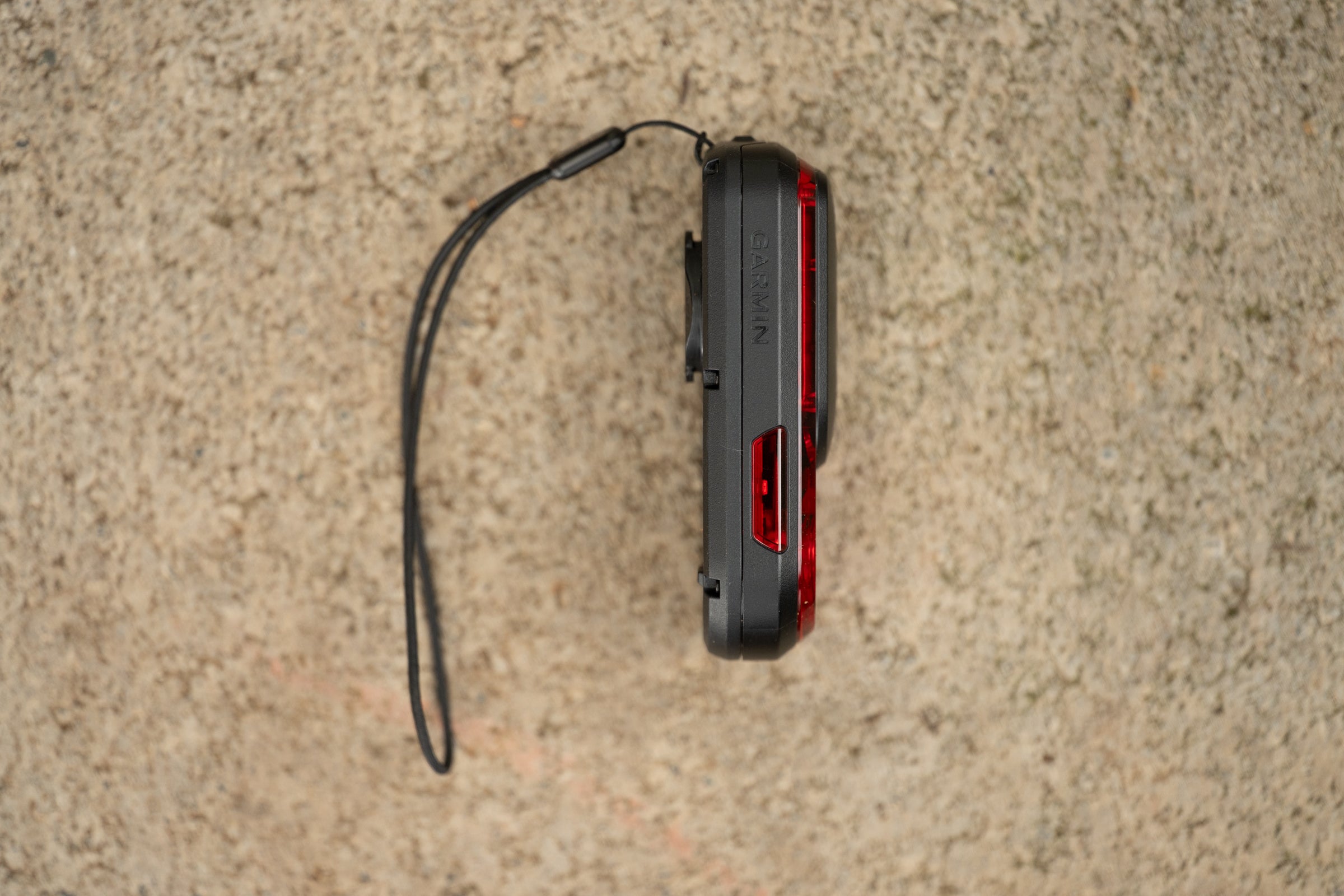
The only time the Wahoo might still make sense is if you want to use a Garmin quarter turn mount but you have an older headunit, or non-Garmin, and can’t take advantage of the Bluetooth connection with added features. The Wahoo light has a technically different mount but it will work just fine in Garmin specific mounts the majority of the time.
ADVERTISEMENT
As long as you can’t take advantage of the advanced vehicle tracking features, and don’t need Garmin mount compatibility, then buy the Lezyne Radar Drive. It has the brightest light of the options and 18-hours of battery life is very good. It also costs $200 and undercuts the Wahoo and the Garmin. The downside of that unit is that the mount is a rubber band style and there’s no possibility of anyone fixing that.
You’ll want to buy the Garmin RearVue 820 if you have a fairly new Garmin Edge bike computer and want to take advantage of the advanced vehicle tracking features. You will also want to buy the RearVue 820 if you want same speed tracking—the ability to see exactly where a friend or rival is sitting in your draft is a feature no other manufacturer has.
Like saving money on great gear? Us too. That’s why we developed this powerful tool that collects the best deals on cycling gear from across the internet in one convenient, searchable place.